From gym closures and class schedule changes to upcoming events, there is always something to share with members.
The LINKO AI Messaging Assistant turns a few keywords into a ready-to-edit notice or text message. LINKO’s automated messages, alerts, and dynamic fields also help manage recurring updates and personalize information for each member.
Here is how LINKO can reduce the time and effort required for member communication—from writing notices to sending personalized messages.
Even One Notice Takes More Work Than You Think
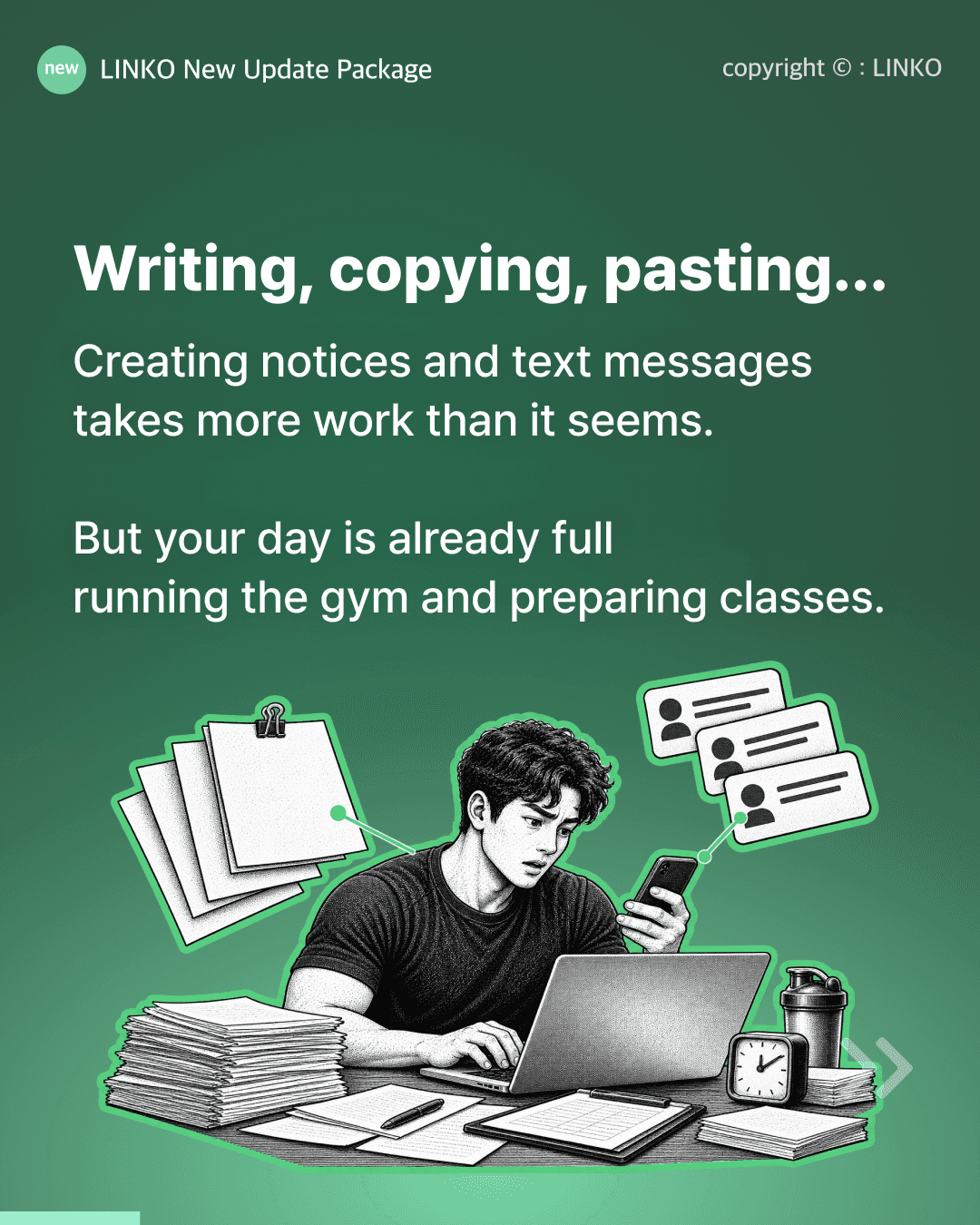
Writing the message is only one part of the process. You also need to refine the wording, update member details, and keep track of when to send it.
Suppose your gym needs to close for a day due to interior renovations. The information itself is simple, but the notice still needs a title, the reason and date of the closure, and a message asking for members’ understanding.
You might look for an old notice to edit or copy a draft from another AI service. Even with similar updates, you still need to check the date and recipients each time.
For gym owners already busy preparing classes and supporting members, these small tasks quickly add up.
The goal is not to send fewer updates. It is to spend less time rewriting and managing the same information.
Turn Keywords into a Draft in 3 Seconds
LINKO AI creates notices and text message drafts from a few key details.
There is no need to write a complete message or copy it from another AI tool. You can generate and edit the draft directly in LINKO.
For example, enter:
Closed October 19 for interior renovations
LINKO AI will turn it into a complete notice or text message. In repeated tests conducted while creating this content, drafts were generated in an average of under three seconds.
The same process works for changes to operating hours, class schedules, and upcoming events.
Instead of wondering how to begin, gym owners can review the generated draft, confirm the dates and details, and edit only what is needed.
Write and Prepare Messages in LINKO
LINKO AI is built into the notice and text message screens, reducing the need to switch between different services.
Instead of opening another AI tool, entering a prompt, copying the response, and pasting it into your member management system, you can create and edit the message directly in LINKO.
When a class time changes unexpectedly or the gym needs to close, simply enter the essential details. With less time spent writing, members can be informed more quickly.
Before sending, always confirm that the dates, times, recipients, and gym policies in the AI-generated draft are correct. This final review turns a quick draft into an accurate message for your gym.
Automate Recurring Messages and Alerts
Messages triggered by recurring situations, such as new member registration, can be set up as automated messages or alerts in LINKO.
Even when AI creates the draft, repetitive work remains if the operator still has to send the message manually every time. A welcome message that requires changing the member’s name before each send is one example.
With LINKO, supported recurring messages can be delivered automatically when the relevant conditions are met. This reduces the need to rewrite the same message or track every send manually.
The latest updates make it possible to manage both one-time notices and recurring member communications:
Draft messages quickly with AI
Automate recurring messages
Personalize information for each member
Personalize One Message for Every Member
LINKO lets you add dynamic fields to your messages. When the message is sent, each field is automatically filled with the recipient’s information.
For example, the member name field displays the correct name for each recipient. Membership, class, and booking details can also be personalized automatically.
Here are the autofill variables you can choose from:
Information Type | Available Fields |
|---|---|
Member and gym details | Gym name, member name, membership, membership duration, locker number |
Class and booking details | Coach name, class name, booking time, class time |
Membership freeze details | Freeze start date, freeze end date |
For automated alerts, select fields that match the event triggering the message.
Alert Type | Recommended Fields |
|---|---|
Upcoming or same-day membership expiry | Gym name, member name, membership, membership duration |
After membership expiry | Gym name, member name, membership |
Before a membership freeze ends | Gym name, member name, membership, membership duration |
Upcoming or expired locker rental | Gym name, member name, locker number |
For membership-related alerts, the membership field displays the membership that triggered the alert—not every membership held by the member.
If an unrelated field is used, a field name such as {locker_name} may remain unchanged in the message. Because no separate error warning appears before sending, make sure each field matches the selected alert type.
Dynamic fields allow one template to deliver accurate names, memberships, classes, and booking details to every member.
How Gyms Can Use LINKO AI Messaging
AI writing, automated delivery, and dynamic fields can be combined differently depending on the message.
Not every notice needs to be automated. An unexpected closure may require the operator to review the message before sending, while recurring updates such as new member registration can be automated.
Situation | How to Use LINKO | Work Reduced |
|---|---|---|
Closure for interior renovations | Enter the date and reason to create an AI draft | Writing the title and notice from scratch |
Changes to hours or class schedules | Generate a draft from the old and new times and effective date | Turning schedule changes into a clear message |
New event announcement | Enter the date and key details | Writing promotional event copy |
Recurring new member information | Set up automated messages or alerts | Rewriting and sending the same message |
Member-specific updates | Add name, membership, class, and booking fields | Editing information for every recipient |
Every gym sends different types of updates. Start by identifying the messages you write repeatedly and the details you change for each member. This will help you decide which messages to draft with AI and which to automate.
✓ Key Takeaways
LINKO AI creates notices and text message drafts from a few keywords.
Messages can be generated and edited directly in LINKO.
Recurring updates can be sent through automated messages and alerts.
Dynamic fields personalize member names, memberships, classes, and booking times.
Always confirm dates, gym policies, and other details before sending AI-generated content.
Spend Less Time Writing and Tracking Messages
Gym owners should not have to rewrite every message or manually manage every recurring update.
By reducing the time spent drafting messages and changing member details, operators can focus on what members need to know—and when they need to know it.
Write notices with AI. Automate recurring updates. Keep member communication simple with LINKO.