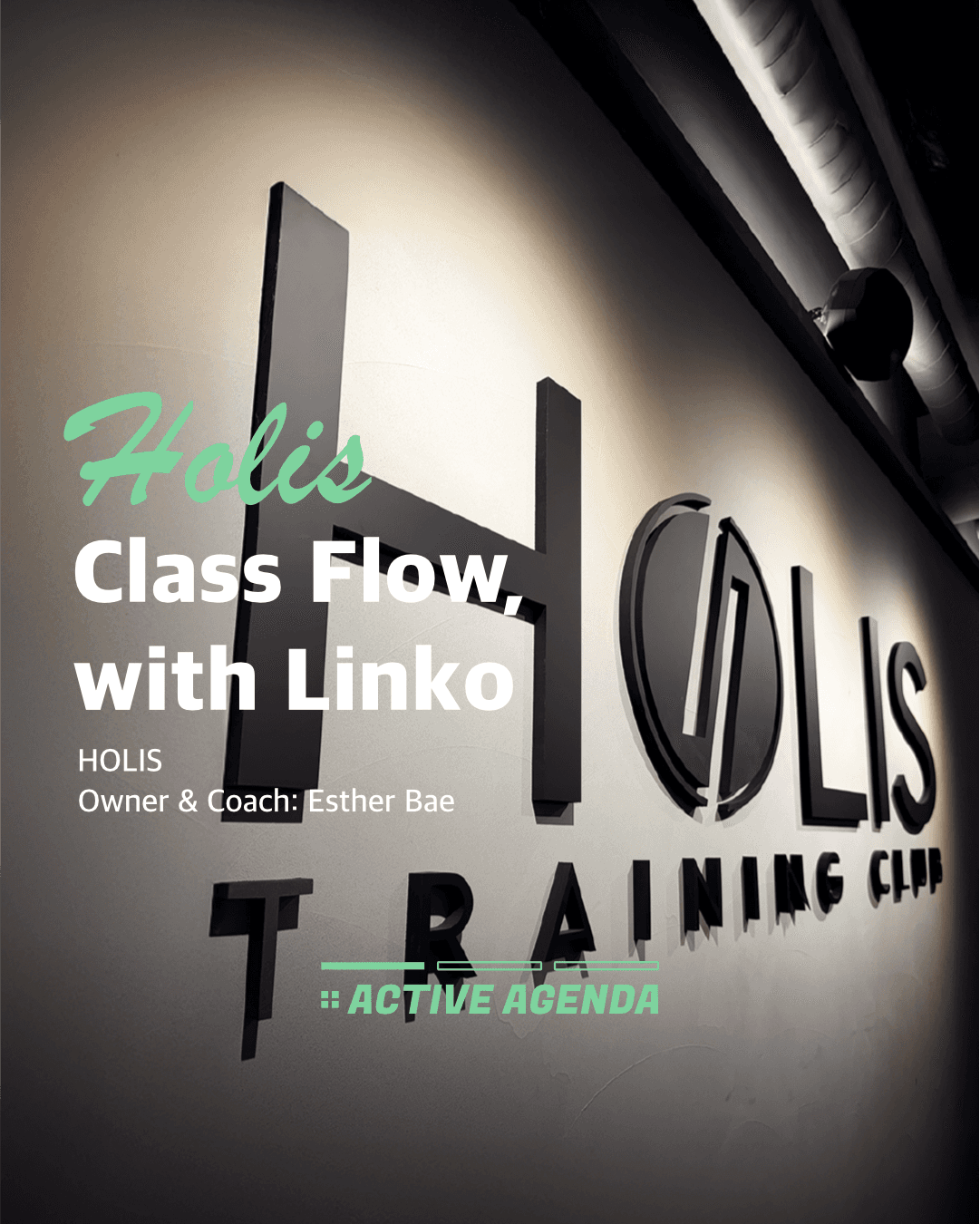
Holies offers a variety of group classes every day!
When considering members' schedules and coaches' availabilities,
a lot of effort was previously needed to add or modify a single class, but now it's all handled with just LINKO.
Let's take a closer look at how we utilize LINKO!
1. Add Repeating Classes in One Go
You don't have to manually register classes held at the same time every day anymore.
With one setting, they can be automatically registered periodically.
Thanks to this feature, repeated classes by coach and by weekday are organized neatly.
Reduce the stress of scheduling!
2. Weekly Delete / Monthly Delete Feature
But with LINKO, you can quickly delete only the necessary parts for a specific week or month.
3. Undo / Redo Actions
Don’t worry if you accidentally delete a schedule!
With the 'Undo' function, you can recover immediately and compare before and after changes to make adjustments, enhancing work efficiency.
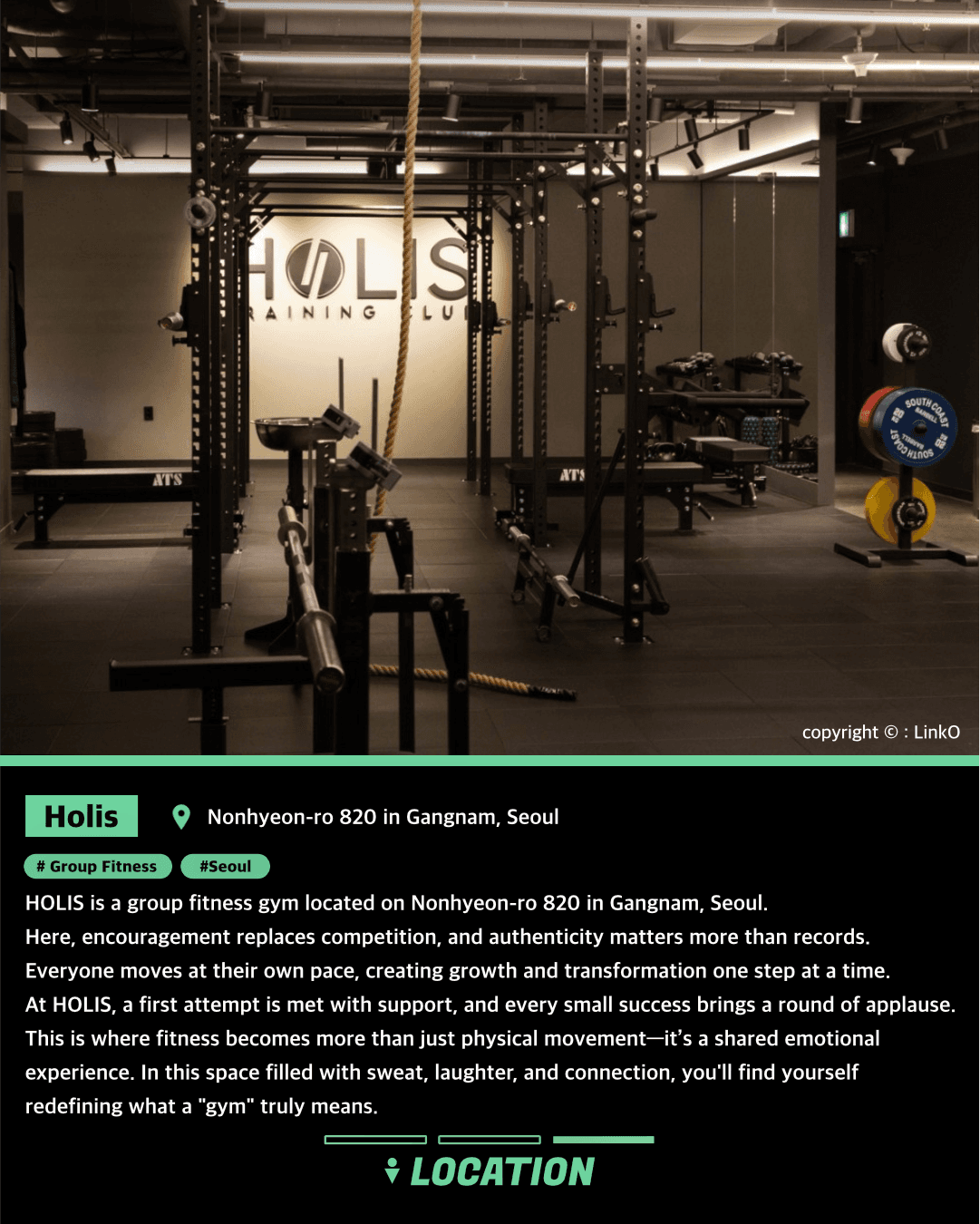
If you want to enhance operational efficiency, start with HoliesPick LINKO!